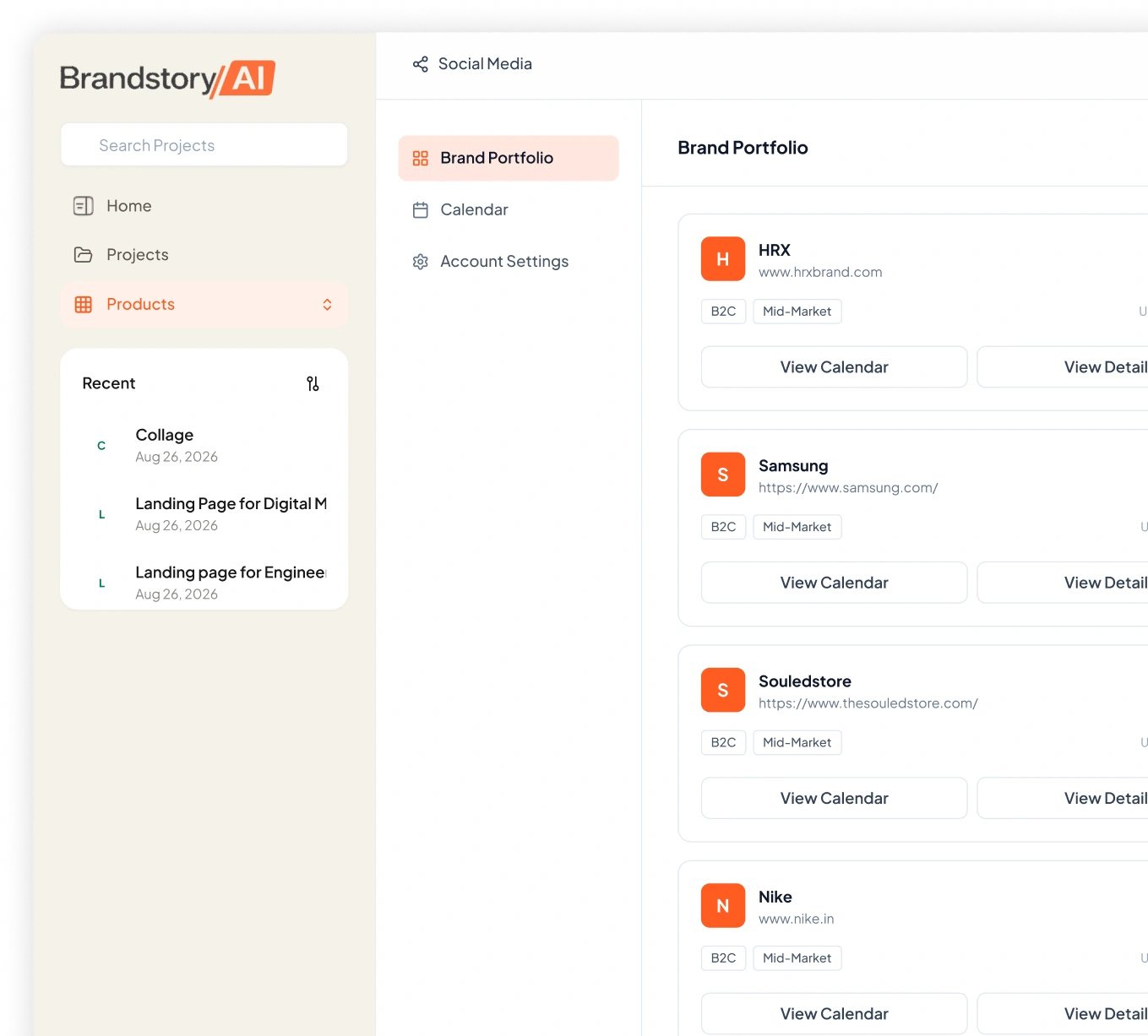
Social Media Is More Than Writing Captions.
Managing social media means deciding what to publish, when to publish it, which platform it belongs on and how the creative should look. When planning, content creation, design and publishing happen separately, even a single month of posts can become a long chain of repetitive tasks.
Too Much Planning
Building a useful calendar takes time when every post, platform, format and publishing date has to be planned individually.
Inconsistent Content
Without a clear direction for the month, social feeds can become repetitive, overly promotional or disconnected from the brand.
Copy And Creative Gaps
Captions and visuals are often created separately, which can lead to different messages appearing in the same post.
Manual Publishing
After the content is created, teams still have to move everything into separate scheduling tools and prepare each post for publishing.
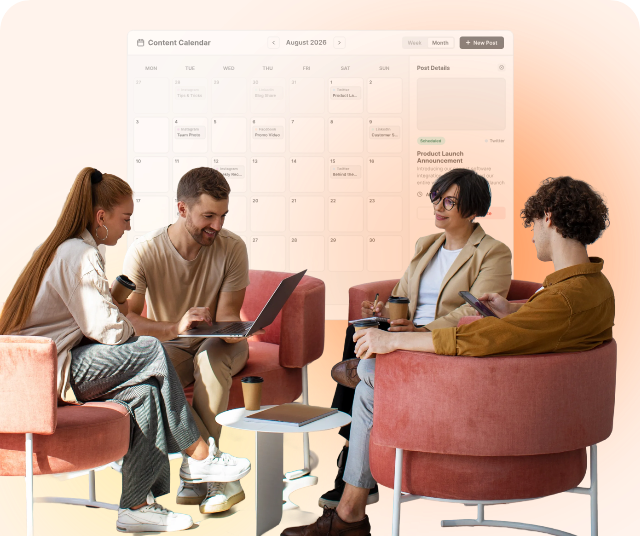
Turn Your Brand Into A Complete Social Calendar.
Social Media Management brings planning, content, creative and publishing into one connected workflow. Set up your brand once, choose the platforms and formats you need, and build a dated calendar where every post has a clear purpose and direction.
Build Your Calendar
Choose your date range, platforms, formats and posting quantities to create a complete calendar around your social requirements.
Plan With Purpose
Assign funnel stages, content intent, hooks, sentiment and tone so every post has a reason to exist within the wider calendar.
Create The Post
Turn each calendar slot into a complete post with a caption, headline, supporting text and call to action designed around the selected format.
Create The Visual
Generate platform-ready posters or use your own images, then adjust the layout, colours, logo and other creative elements before publishing.
Publish From The Same Place
Connect your social accounts and schedule posts for specific dates and times, or publish them immediately when they're ready.
From Approved Template To Publish-Ready Page.
Set up your brand and connected accounts once, then use the same foundation to plan and produce your social calendar. Move from the monthly overview to individual posts without switching between separate planning, design and scheduling tools.
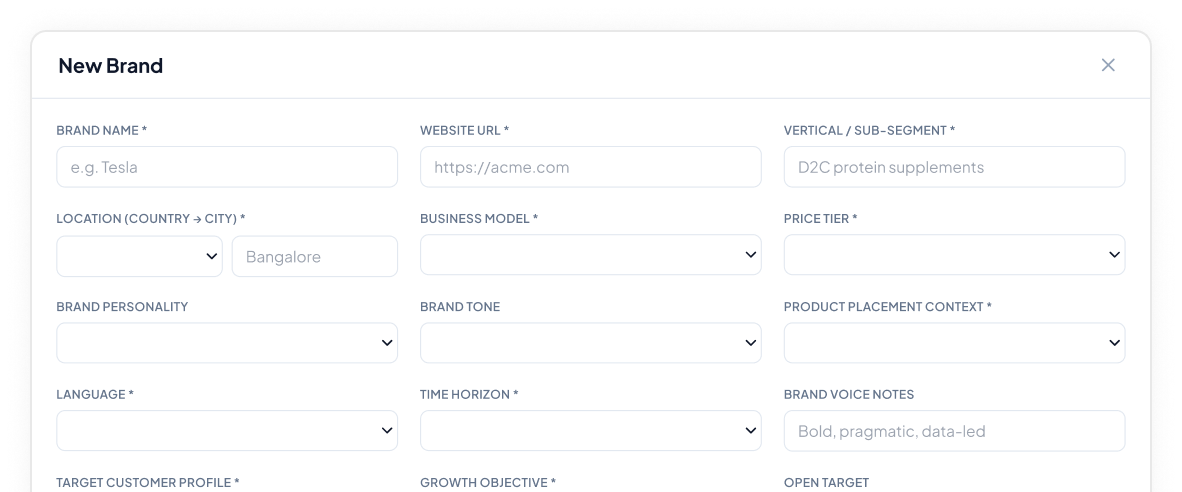
Add Your Brand
Define your business, audience, personality, tone, location, price tier and growth objectives so every post has the right context behind it.
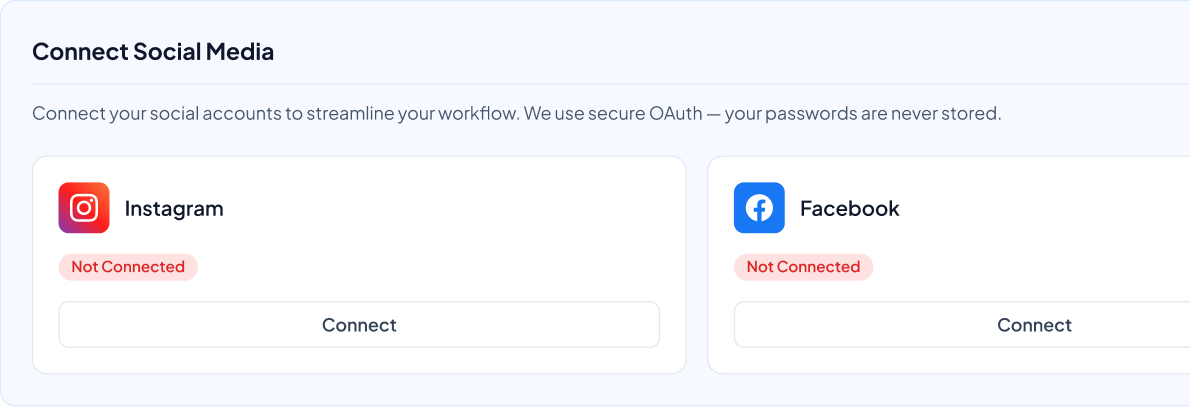
Connect Your Accounts
Connect Instagram, Facebook, LinkedIn, YouTube and TikTok to the relevant brand profile so your calendar can move directly into publishing.
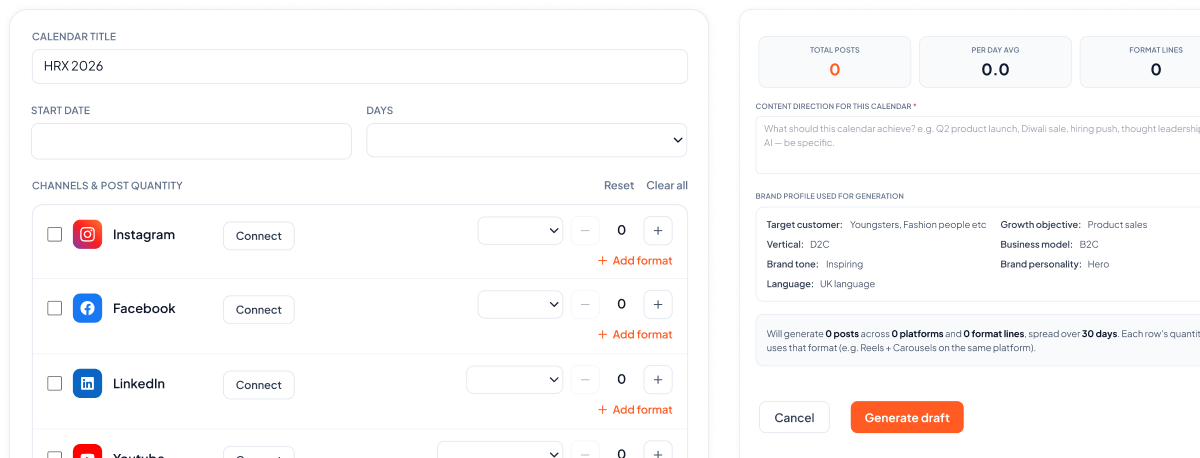
Generate Your Calendar
Choose the start date, planning period, platforms and number of posts you need across different formats. Review the calendar structure before moving into individual posts.
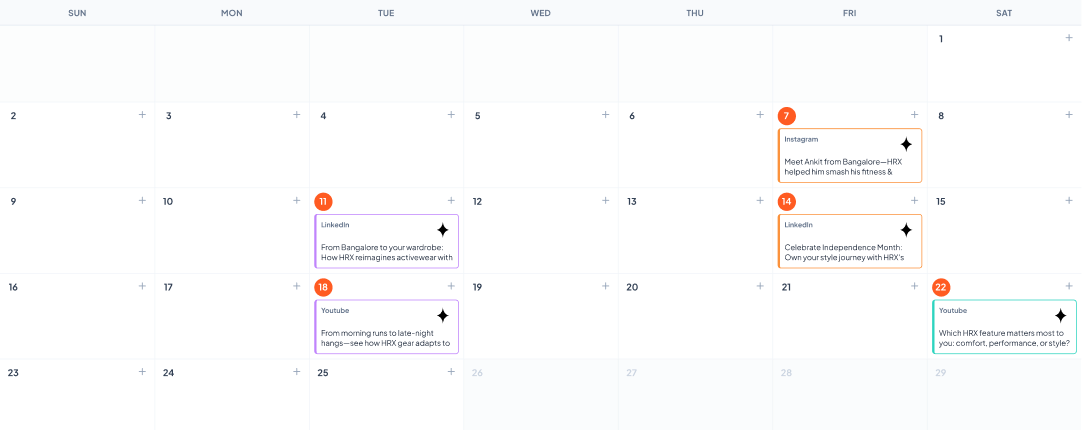
Review The Month
See the complete calendar with its funnel distribution, platform mix and priority posts. Filter the view by stage or switch to a list view when you want to review posts one by one.
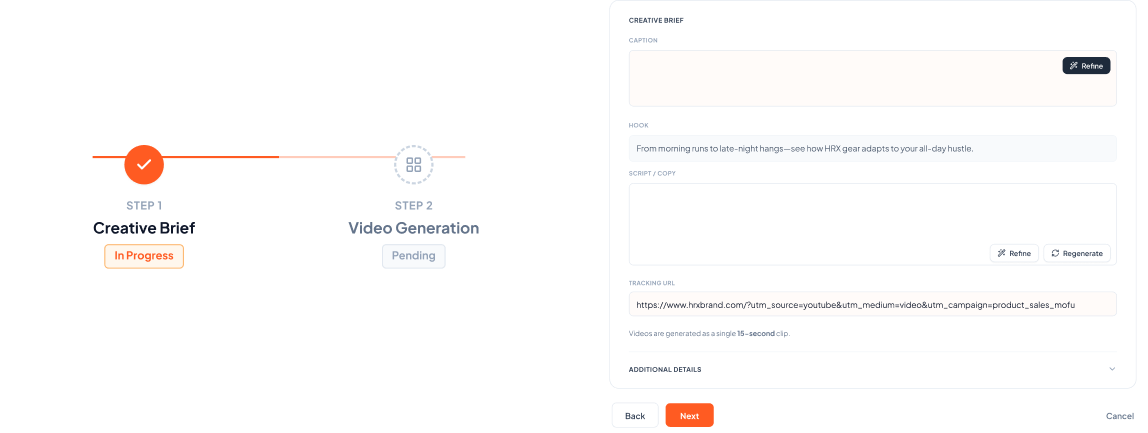
Build Each Post
Open any calendar slot to define its creative brief, generate the copy and create the visual. Refine individual elements without changing the parts you have already approved.
Schedule Or Publish
Preview the finished post in the relevant platform format, choose the publishing date and time, then schedule it or publish it directly to the connected account.

Everything You Need To Manage Social From One Place.
Social Media Management combines planning, content creation, creative production and publishing into one workflow. Each capability gives your team more control over how the month is planned and how individual posts are produced.
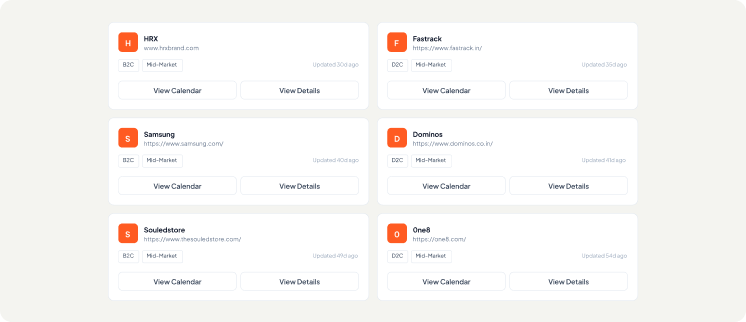
Multi-Brand Management
Keep separate brand profiles, calendars and account connections for every brand you manage, with an easy way to switch between them.
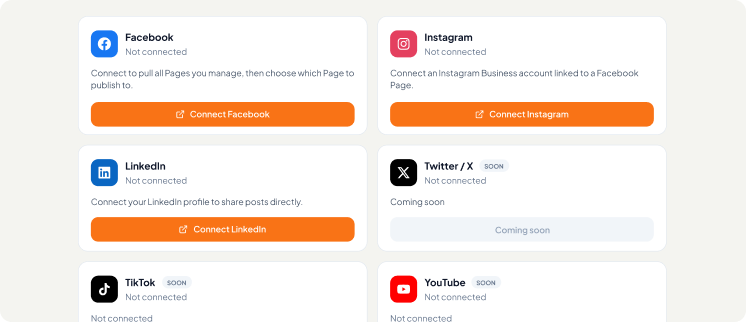
Multi-Platform Publishing
Connect Instagram, Facebook, LinkedIn, YouTube and TikTok and manage content for multiple platforms from the same workspace.
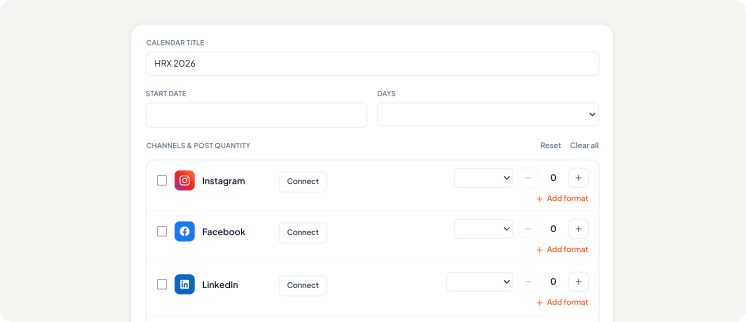
Calendar Generation
Create calendars from seven to ninety days and define the number of posts you want across different platforms and formats.
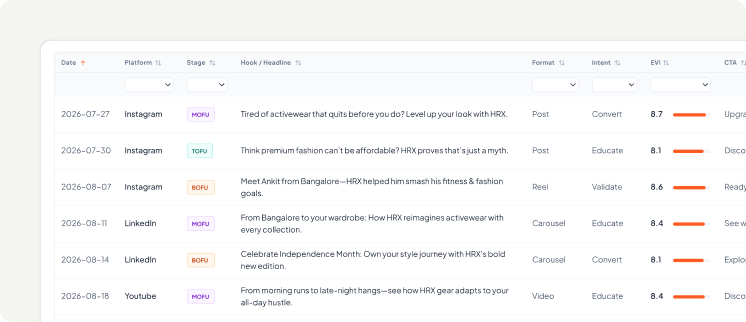
Funnel Planning
See how your calendar is distributed across top, middle and bottom funnel content before you begin publishing.
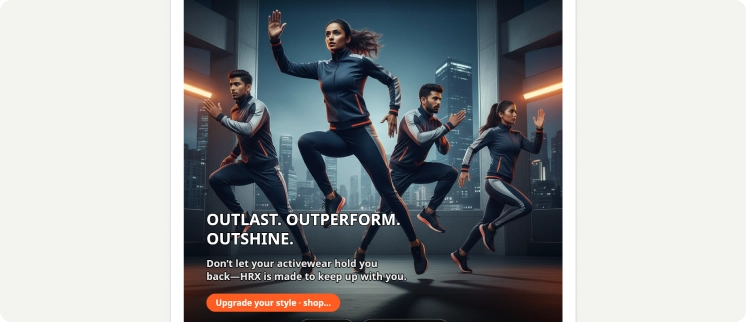
Post Strategy
Define intent, hook type, sentiment, tone, target segment, pain point and desired action for individual posts.
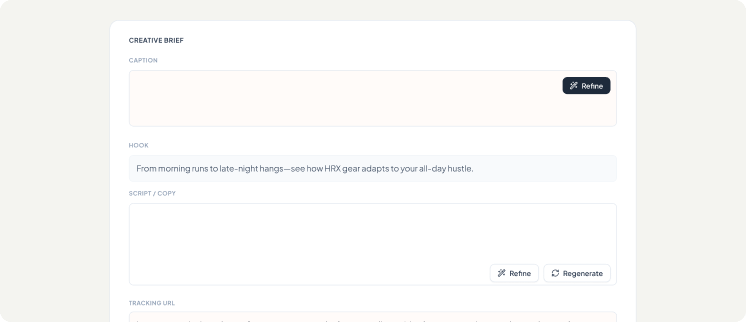
Creative Briefs
Give every post a clear creative direction covering the message, audience, visual moment and call to action before the content is produced.
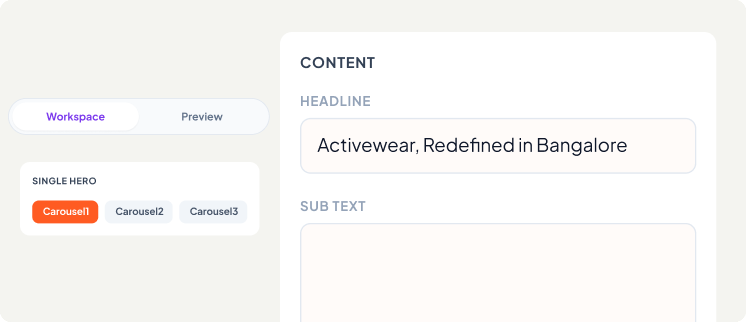
Poster Generation
Create platform-sized visuals with headlines, supporting text and calls to action arranged within the design.
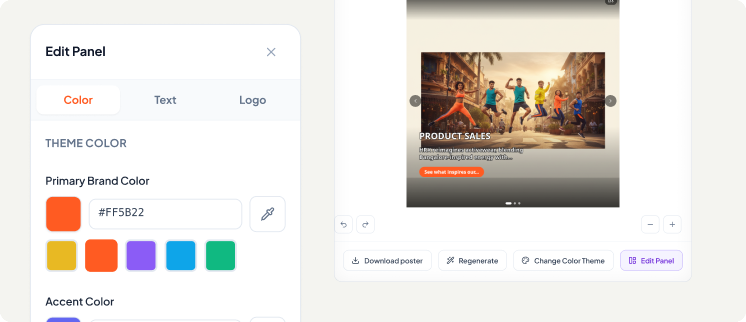
Canvas Editing
Move, resize and remove elements, add text or images, adjust colours and place your logo directly on the creative.
Content Refinement
Change individual parts of a post without having to regenerate everything, whether you want to adjust the hook, caption, headline or CTA.
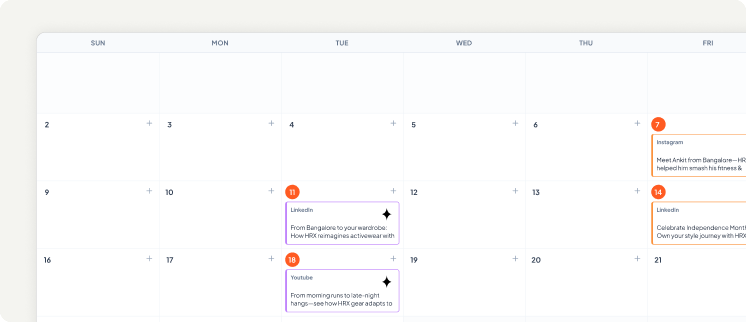
Direct Publishing
Schedule posts for a specific date and time or publish them immediately through your connected social accounts.
Plan. Create. Publish. All In One Place.
Manage your social strategy, content, creatives, calendars and publishing from one streamlined workspace.
Start Managing SocialOne Calendar. Different Ways To Run Social.
Social teams have different responsibilities, but they all need a clear way to plan, create and publish consistently. The platform adapts to different workflows while keeping the calendar, creative and publishing process connected.

Agencies Managing Multiple Brands
Maintain separate brand profiles, calendars and account connections for each client while managing everything from the same workspace.
In-House Marketing Teams
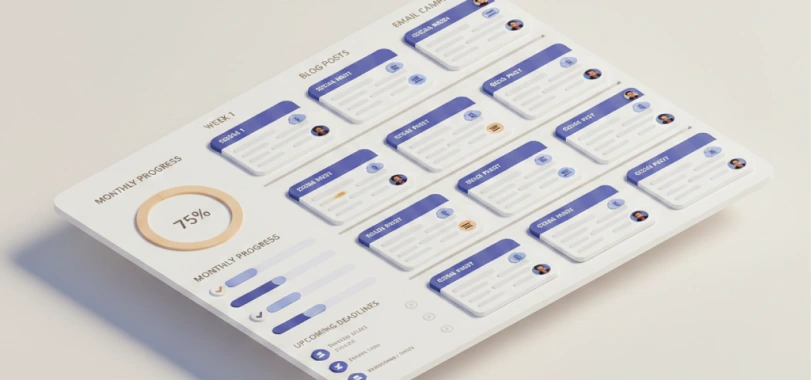
Plan and review an entire month in one place, with the content mix and funnel distribution visible before posts move into production.

Founders Managing Their Own Social
Create a structured calendar and complete social posts without having to manage separate planning, design and scheduling workflows.
Campaign Planning
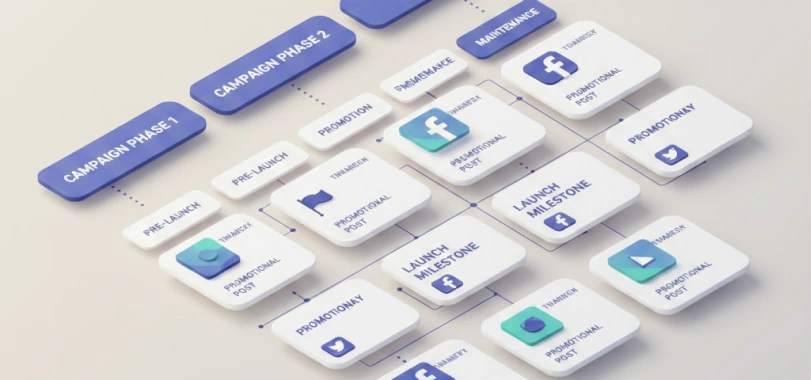
Build content around launches, promotions and campaigns by planning the lead-up, launch period and follow-up posts within one calendar.

Multi-Platform Publishing
Adapt your content to the different formats and dimensions required across each social platform while keeping the underlying message consistent.

Creative Handover
Download finished creatives and calendars when another team member, client or partner needs to review or publish the work separately.
Plan The Month. Refine The Details. Publish When Ready.
The calendar gives you the bigger picture, while each post gives you control over the details that matter. Move from strategy and scheduling into copy, creative and publishing without losing the context behind the original idea.
Brand Profile
Define your audience, personality, tone and business direction.
Content Calendar
Plan your platforms, formats, dates and content mix for the month.
Creative Brief
Set the intent, hook, sentiment, tone and desired action for each post.
Post & Creative
Create the caption, headline, supporting text, CTA and visual together.
Review & Refine
Edit individual elements, adjust the design and preview the finished post.
Schedule & Publish
Choose the date and time or publish immediately to your connected account.

Built For

Marketing Teams
Produce and schedule consistent social content across platforms without waiting for fragmented copy and design handoffs.

Social Media Managers
Plan the full month, generate copy and platform visuals, and manage all your channels in one unified workflow.

Founders & Startups
Build a steady, professional social presence with structured calendars and ready-to-publish posts from day one.

Agencies
Manage multi-brand clients, dedicated calendars, and custom post formats from a single organized workspace.
Build Your Social Calendar In One Sitting.
Turn your brand profile into a planned, structured and ready-to-publish social calendar with content and creative built into every post. Manage the month from one workspace, refine what matters and publish when you're ready.
Frequently Asked Questions
Which social platforms can I connect?
You can connect Instagram, Facebook, LinkedIn, YouTube and TikTok to the relevant brand profile. Each brand can maintain its own set of connected accounts and publishing workflow.
How far ahead can I plan?
You can generate a calendar covering anywhere from seven to ninety days. Choose the starting date, define your planning period and set the quantities you need across platforms and formats.
Can I control how many posts I create?
Yes. You can define quantities separately for each platform and format, allowing you to create a calendar around the specific posting mix your brand requires.
Can I manage multiple brands?
Yes. Each brand has its own profile, calendar and connected accounts. You can switch between brands without combining their content or publishing settings.
Can I edit posts after they are generated?
Yes. You can refine individual content fields, adjust the creative, change colours, reposition elements, add a logo or regenerate specific parts without rebuilding the entire post.
Can I use my own images?
Yes. You can upload your own image or use an image from your Media Library instead of generating a new visual for the post.
Can I control the tone of individual posts?
Yes. Each post can have its own intent, hook type, sentiment, tone, target segment, pain point and desired action, allowing you to shape the direction of individual posts within the wider calendar.
Can I schedule posts directly?
Yes. Connect the relevant social account, select the publishing date and time, and schedule the post directly. You can also publish it immediately when it is ready.
Can I add posts manually?
Yes. You can add a post to any date in your calendar when you want to include content that wasn't generated through the calendar workflow.
How does the platform use my brand information?
Your brand profile includes information such as business type, audience, personality, tone, price tier and growth objective. These details provide the context used when planning and creating posts for that brand.